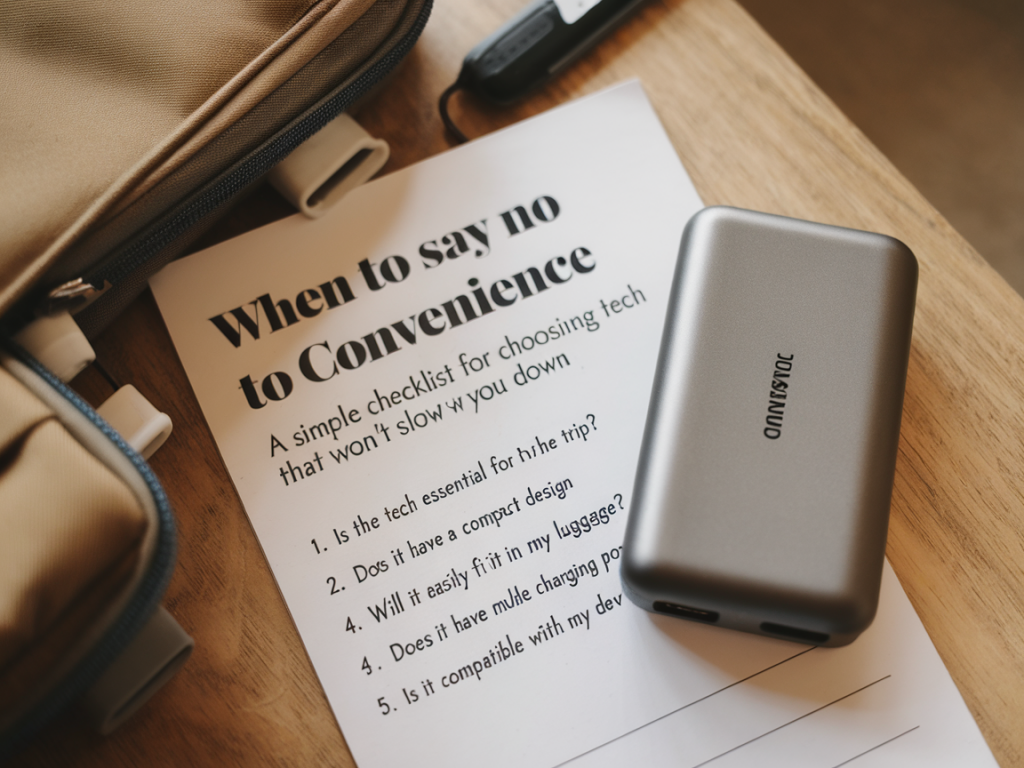
I love travel gadgets. The right tool can make a long journey feel easy, a long layover productive, and a remote campsite almost civilized. But convenience is seductive in ways that can slow you down—the faster you think you’ve solved a problem, the more likely you are to be stranded by a design choice that assumed the world would always be as nice as your home Wifi.
Over the years I’ve learned to treat convenience like a feature you should test, not a promise you should accept blindly. Below is a practical, simple checklist I use when deciding whether a piece of travel technology is truly helpful—or a trap that will cost me time, money, or calm in an unfamiliar place.
Start with needs, not wants
The first step is embarrassingly simple: ask what problem this actually solves for this trip. Too often I buy a gadget because it would be nice, then discover it’s unnecessary weight in a city where plug sockets are plentiful and my phone lasts all day.
Before you buy or pack, answer these aloud:
If the answer to “how often” leans toward “rarely,” favor simpler options. Convenience that you rarely need is dead weight.
Checklist: will this device slow me down?
Use this checklist when evaluating any travel-tech—phones, chargers, power banks, adapters, wearables, cameras, translation devices, and so on. Treat a “no” on any of these as a prompt to rethink, not a final veto. The point is to surface trade-offs you can accept deliberately.
- Can it last a full day or two under heavy use?
- Does it charge from common sources (USB-A, USB-C, solar, car)?
- Can I top it up quickly on a short stop?
- Does it use common cables/standards (USB-C vs proprietary)?
- Will it work with the other gear I bring (camera batteries, laptop)?
- Can I fix or jury-rig it if something breaks? (replaceable battery, simple cable)
- Do I have a backup plan if it fails? (spare cable, local alternatives)
- Does it rely on constant internet access?
- Can it perform essential tasks offline (maps, translation, media)?
- Is my data locked into an app or cloud I can’t access abroad?
- How easy is it to export or locally store my information?
- Is it water- or dust-resistant enough for your itinerary?
- Does it tolerate knocks, drops, and long transport?
- Does the convenience justify the grams?
- Will this push me into checked luggage or slow me through security?
- Does it require an app setup or account you can’t create on the road?
- Will it take time to learn that you don’t have during a short trip?
Concrete examples I’ve lived through
I once bought a niche travel router because the marketing promised “seamless secure connections.” It was heavy, required a laptop to configure, and the hotel Wifi blocked the ports it needed. Instead of seamless connections, I spent an evening wrestling with firmware updates. Lesson: convenience that demands time today is not convenient tomorrow.
Conversely, a humble USB-C power bank with passthrough charging (I like Anker’s 20,000 mAh models) has saved me multiple times. It charges my phone and earbuds while plugged into the wall; it charges quickly, uses standard cables, and I can top it at airport kiosks. Low maintenance convenience wins.
I also used a dedicated offline translation device (the Pocketalk-type gadgets) for a week in rural Japan. The accuracy for simple phrases was helpful, but the device’s keyboard and interface were slow compared to using a phone app offline. The dedicated gadget’s advantage—simplicity—wasn’t enough to beat the flexibility of software I already knew.
When to accept convenience
Not all convenience is a trap. I choose it intentionally in a few situations:
Practical shopping rules
Here are rules I try to follow when buying travel tech:
A tiny decision flow you can bookmark
| Step | Question | Action |
| 1 | Is this solving a repeat, likely problem? | If no, skip it. If yes, continue. |
| 2 | Does it use common standards and cables? | Prefer it. If proprietary, ensure you can travel with spares. |
| 3 | Can it work offline/without special accounts? | Prefer offline-capable tools for remote travel. |
| 4 | Is there a durable, repairable backup? | Bring redundancy for mission-critical gear. |
Saying “no” to convenience is rarely about being ascetic. It’s about choosing reliability and predictability over flashy solves that only work under perfect conditions. When you test convenience with a checklist, you’re not rejecting comfort—you’re making sure the comfort will still be there when you need it, halfway around the world, under a different power grid, or at 2 a.m. in a hotel that doesn’t take returns.